Current Menu Item for Custom Post Types
View on WordPress.orgScores higher than 2% of indexed plugins
About
Allows you to highlight the current menu item by assigning a page to a custom post type.
Security History
What It Does
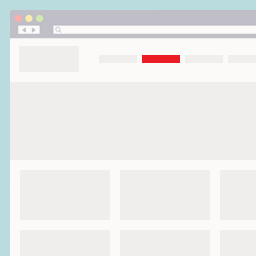
This plugin adds a CSS class to the navigation menu item that corresponds to a single post belonging to a custom post type, so WordPress correctly highlights the parent menu entry when a visitor views that custom post. It targets a specific gap in WordPress core, which only auto-highlights menu items for built-in post types by default. Setup is minimal: assign a page to your custom post type and the highlight works automatically.
Who It's For
This is a good fit for site owners running custom post types such as portfolios, real estate listings, product catalogues, or event archives where users browse single-item pages and expect the relevant top-level menu item to stay highlighted. It is especially useful for developers or small business operators who want this behaviour without writing custom walker code or child theme hacks. If you only use standard posts and pages, you will never need it.
Who Should Skip It
If your site only uses standard WordPress posts and pages, skip this plugin because core already handles menu highlighting for those post types. Agencies or developers comfortable editing theme functions.php or building a custom nav walker will get the same result with a few lines of code and no extra plugin.
The Bottom Line
Current Menu Item for Custom Post Types is a focused, well-maintained fix for a real WordPress limitation, with a perfect user rating and an overall quality score of 50.89/100 that reflects solid ratings offset by modest adoption and a lack of formal support data. It is worth installing if menu highlighting on custom post type singles is a recurring frustration on your site. If you do not use custom post types, there is simply no reason to add it.