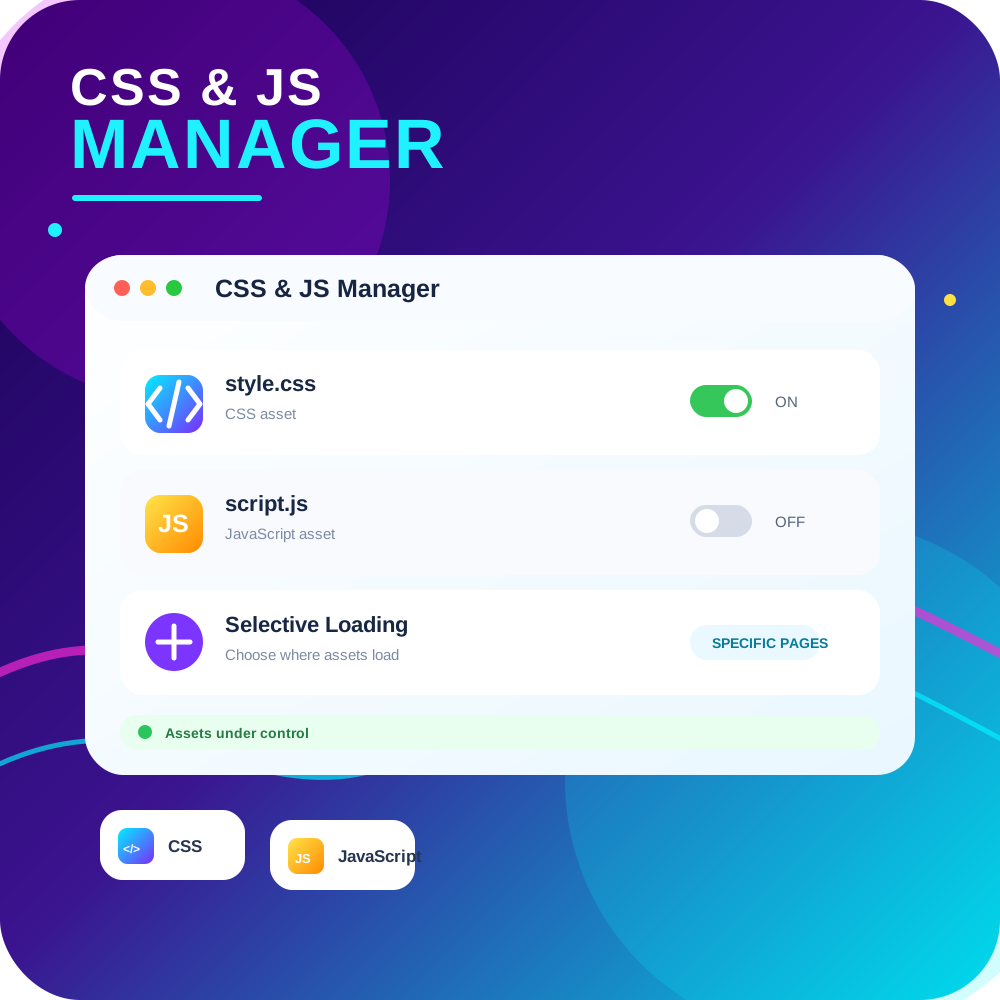
CSS JS Manager, Async JavaScript, Defer Render Blocking CSS
View on WordPress.orgScores higher than 41% of indexed plugins
About
CSS JS Manager, Async JavaScript, Defer Render Blocking CSS, Remove javascript, Remove CSS, Defer Render Blocking CSS, Both CSS and JS can be loaded A …
Security History
What It Does
CSS JS Manager controls how individual CSS and JavaScript files load on your WordPress site, letting you defer, async, or outright remove assets to cut down render-blocking resources. In practice, it targets PageSpeed Insights and Core Web Vitals scores by letting you strip unneeded scripts and styles per page or globally. It is a focused tool rather than a full caching solution.
Who It's For
Site owners chasing better Lighthouse or PageSpeed scores who know exactly which scripts and stylesheets are weighing their pages down and want surgical control over each one. It suits performance-focused developers on smaller sites who do not need a full caching plugin but do want asset-level management. Smaller business sites and WooCommerce stores with bloated themes will benefit most if they have some technical comfort.
Who Should Skip It
Anyone already running LiteSpeed Cache, WP Fastest Cache, Autoptimize, or a hosting-level optimizer like Cloudflare APO, since those solutions already cover asset deferral and carry far larger user bases. Casual users without the patience to audit which assets are safe to remove will likely break their site.
The Bottom Line
CSS JS Manager earns an Overall Quality Score of 75.33 out of 100, with strong maintenance and ratings held back by its tiny install count and an unproven support track record. It is a legitimate option for users who want per-asset control without committing to a full caching plugin. Most site owners will be safer choosing Autoptimize or LiteSpeed Cache given their scale and support history.
Related Plugins
Pick LiteSpeed Cache if your host runs LiteSpeed servers, as it delivers server-level caching, CSS and JS optimization, and image handling in a single package used by 7 million sites.
Pick this if you sit behind Cloudflare and want edge caching, Brotli compression, and Cloudflare Workers to handle Core Web Vitals without changing server config.
Pick WP Fastest Cache if you want a beginner-friendly cache plugin with simple toggles for CSS and JS minify and combine, used on over a million sites.
Pick Autoptimize if your main concern is minifying, combining, and deferring CSS and JS, since it does this one job well and has 800,000 installs to prove it.
Pick SpeedyCache if you want a free all-in-one option that bundles cache, asset optimization, and image tools in a lighter package than the bigger names.